Exploring a Virtual Learning Environment

Facebook
Twitter
LinkedIn
Pinterest
Tumblr
Telegram
Virtual learning environment
Dive into the benefits and features of a virtual learning environment to enhance your educational experience.

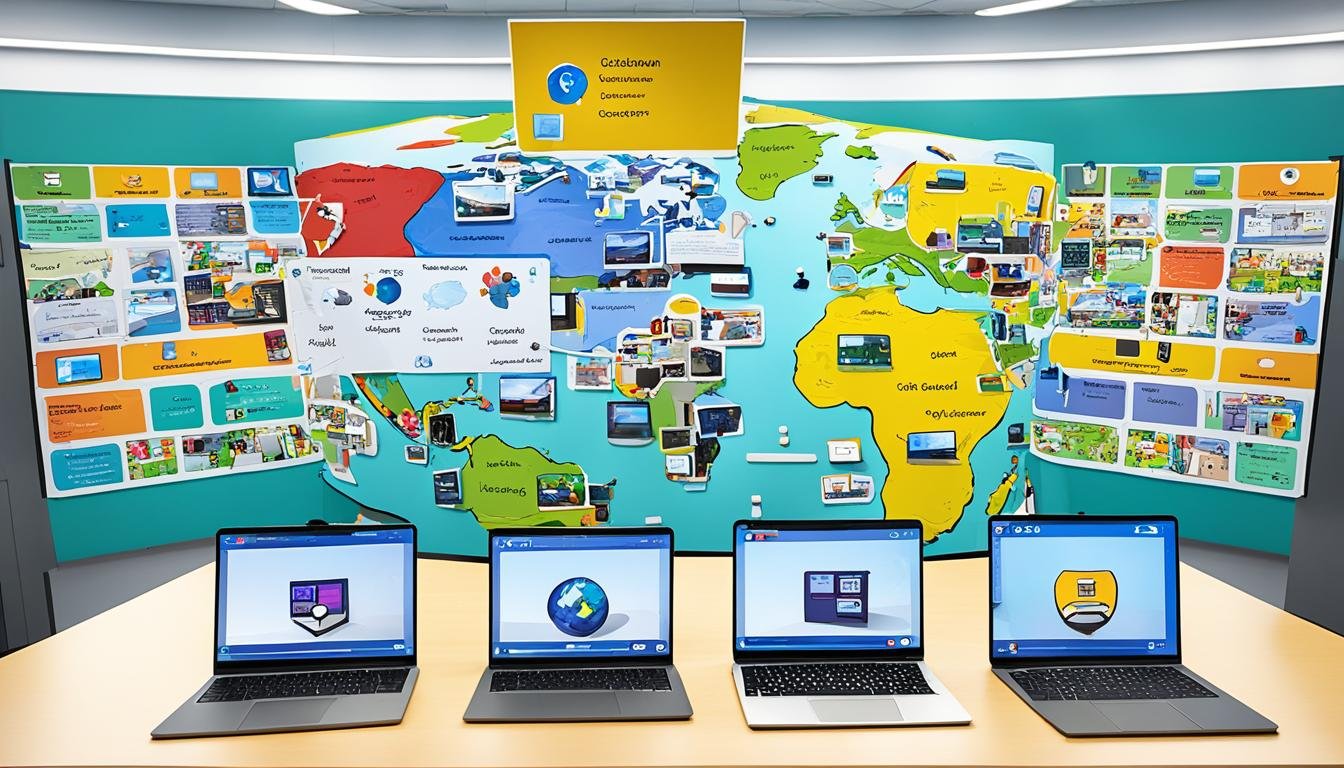
A virtual learning environment, or VLE, is the online platform where a course lives. It holds the readings, videos, and assignments, and it provides the tools for discussion, testing, and feedback. Most universities run their online and hybrid courses through one.

A good VLE does a few things well. Navigation should be simple enough that students find materials without a tutorial. Built-in communication tools, such as forums and messaging, keep questions visible. Assessment tools handle quizzes and track grades, and analytics show instructors where students are struggling.

The main advantage is flexibility. Students can study at times that suit them and revisit recorded material as needed. For students with jobs, caring duties, or health needs, that flexibility can be the difference between enrolling and not.

Accessibility has to be designed in from the start. Captions on videos, readable text, and keyboard navigation help all students, not only those with disabilities. More on this in the guide to improving online course accessibility.

One challenge is the digital divide. A VLE assumes a device and a reliable connection, which not every student has. Schools that lend equipment or provide offline options reach more learners.

Assessment inside a VLE can go beyond multiple choice. Portfolios, peer review, and project uploads let students demonstrate skills that a memory test would miss. Teachers can pair these with online collaboration tools for group work.

The shift to digital assessment is already visible in mainstream education. In May 2025 the College Board moved 28 AP exams to digital testing through its Bluebook app, ending standard paper testing for those subjects. That change shows how far digital delivery has come, even in high-stakes exams.

None of this works without engaged learners. Course design that encourages participation, covered in boosting student engagement online, matters as much as the platform itself. And for students comparing formats, flexible online learning outlines what to expect.


Related Posts
AFP

How To Optimize Your LinkedIn Profile For AFP Networking Opportunities

AFP is the Association for Financial Professionals, the professional body for corporate treasury and finance staff. It sponsors two credentials: the Certified Treasury Professional (CTP) and the Certified Corporate FP&A Professional. If you work in treasury or financial planning, these letters carry weight, so put them in your LinkedIn headline where recruiters can see them. Write a headline that says what you do, not just your job title. Adding your specialty and credential tells a reader more than a title alone. Keep it short enough to read at a glance. In the summary section, describe your actual work. Name the systems you use, the size of the portfolios you manage, and the results you have produced. Recruiters search LinkedIn by keyword, so use the plain terms of the trade: treasury management, cash forecasting, risk assessment, financial planning. Connect with AFP members and people in treasury roles at companies you follow. Comment on their posts with something specific rather than generic praise. Join AFP-related LinkedIn groups and take part in the discussions. These habits are the same best practices for networking and building professional relationships that apply to any profession. Post occasionally about your own work. A short note on a project you finished or a change in your market is enough. Steady, real activity beats a polished but empty profile. Students can start earlier with these LinkedIn profile tips for students, and anyone can use LinkedIn to build connections and grow a professional network. Those considering graduate study can review online master’s degree options in finance.

Read More
University Enrollment

How To Choose The Right MiniMaster Course At Continents International University

Start with your goal. Write down the job you want after the program. Read each MiniMaster track description on the university website and check which one teaches the skills that job needs. A vague interest in business is not enough. Be specific. Read the curriculum, not just the brochure. Look at the module list. Check how the work is assessed and how many hours each module takes each week. If the program page does not answer these questions, contact the university and ask. Be honest about your schedule. A short certificate still needs real hours every week. If you work full time, pick a pace you can keep for the whole program. Finishing matters more than finishing fast. Talk to people who finished the track you are considering. Alumni can tell you what the workload was really like and whether the certificate helped at work. The university may be able to connect you with past students. When you have a shortlist, read the enrollment guide for the MiniMaster program so you know the application steps. If you are weighing a MiniMaster against a full degree, see how students transition from a MiniMaster to full-time studies. New students can also review the resources available to MiniMaster students and tips for staying motivated during the program.

Read More